

Good van stock control cuts emergency merchant runs, protects your margin on consumables, and lifts your first-time fix rate because the part you need is already on the van. The fix is simple: set reorder thresholds for your core kit, start scanning parts against jobs as you use them, and treat every van as its own stock location. Suppliers such as Rexel and Wolseley already build replenishment programmes around this exact logic.
TL;DR:
- Van stock control reduces emergency runs by tracking parts in real time, enabling automated replenishment based on usage and supplier lead times.
- Systems should support offline mode with queued updates to remain effective in low-signal areas like basements or rural sites.
- Starting with 20 to 40 core SKUs per van and setting proper reorder thresholds prevents stock bloat and stockouts.
- Key features include fast mobile scanning, individual van stock locations, and automatic job charge capture to accurately track margins.
- Linking stock to jobs ensures parts are deducted and valued at the time of use, improving profitability visibility and simplifying compliance documentation.
Table of Contents
- What is van stock control and why does it matter?
- How does a van stock control system actually work?
- Step-by-step: setting up van stock control this week
- What software features actually matter for van stock?
- How does linking stock to jobs protect your margin?
- What goes wrong with van stock control, and how do you fix it?
- A UK field-service operator's take on stock discipline
- How Curcle brings stock, jobs and compliance together
- Sources
- FAQ
What is van stock control and why does it matter?
Van stock control is the discipline of tracking what's on board every vehicle, in real time, so engineers never turn up to a job without the part they need. Get it right and the payoff shows up in three places: fewer wasted hours, tighter margins, and happier customers.
The most obvious win is time. A missing fitting or fuse means a trip to the wholesaler, and that's an hour or more gone from a billable day. Wolseley's own data on van stock replenishment points to automated restocking as a direct lever for improving first-time fix rates and cutting costs.
- Fewer merchant runs and less downtime between jobs
- Higher first-time fix rates because parts are on the van, not on order
- Consumables captured on invoices instead of quietly eaten by the business
- Lower carrying costs through smarter reorder points and batch buying
- Cleaner stock valuation for year-end accounts and insurance claims
Pro Tip: If you only fix one thing this month, fix invoicing leakage. Small parts, connectors, and consumables are the easiest things to lose track of and the easiest to bill for once you're actually scanning them against a job.
Tradespeople routinely lose revenue simply because nobody logged the fittings or sealant used on a callout, a gap that quietly erodes margin job after job.
How does a van stock control system actually work?
Think of each van as a warehouse shelf on wheels. Every item on board gets a record: a SKU, a unit cost, a stock location, and a running quantity. That's the starting point most van stock apps build around, and it's what makes automated alerts and reordering possible in the first place.
From there, the mechanics are fairly consistent across the better systems:
- Scanning: barcode or NFC scanning logs an item the moment it goes onto a job, with manual entry and photo capture as a fallback for anything unlabelled.
- Thresholds: you set a minimum and maximum for each item, so the system knows when stock is running low before the van does.
- Alerts: low-stock triggers fire automatically, usually before the engineer even notices the gap.
- Offline capture: updates queue locally and sync once signal returns, which matters enormously on rural sites, in basements, and inside plant rooms.
That last point isn't a nice technical footnote. VanLog's approach to van stock tracking treats offline reliability as core functionality rather than an edge case, because a system that only works with four bars of signal fails exactly where trades work happens most often.
Pro Tip: Test your chosen system in your worst-signal location before you roll it out fleet-wide. A basement plant room in a Victorian building will expose a weak offline mode faster than any product demo.

Step-by-step: setting up van stock control this week
You don't need a six-month project plan for this. A small fleet can have working stock control running inside a week if you follow a sensible order.
- Audit what's already on the van. Count every item, assign a rough unit cost, and don't skip the stuff shoved in the door pockets.
- Group items into core kit and slow movers. Keep your launch SKU list short. A practical rollout for a small fleet typically starts with 20 to 40 core items per van, with slower-moving parts tracked but left off the daily checklist until usage justifies including them.
- Set reorder points. Base thresholds on how fast you actually use each item and how long your supplier takes to deliver it, then build batch ordering rules around that.
- Label and scan. Get barcodes or NFC tags on shelving and bins, configure your mobile templates, and test the offline workflow before day one.
- Assign a replenishment routine. Decide who checks what, daily or weekly, and write it down so it survives someone's holiday.
| Step | What you do | Why it matters |
|---|---|---|
| Audit | Count stock, assign unit costs | Gives you an honest starting valuation |
| Categorise | Split core kit from slow movers | Keeps the SKU list usable, not bloated |
| Set thresholds | Reorder points by usage and lead time | Prevents both stockouts and overstocking |
| Label and test | Scan setup, offline check | Confirms the system works where you actually work |
| Assign ownership | Daily/weekly checks, named owner | Stops the whole thing quietly lapsing |
What software features actually matter for van stock?
Most van stock platforms look similar on a sales page. The differences that matter show up once engineers are using the thing daily, in the van, in the rain.
- Fast mobile scanning with offline caching. Capterra's field-service software reviews consistently flag offline capability and ease of scanning as top priorities among people who actually use these tools day to day.
- Per-van stock locations with individual reorder thresholds, so each vehicle's stock reflects its own usage pattern rather than a fleet-wide average.
- Automatic charge capture to jobs, deducting stock and costing materials the moment an engineer logs a part.
- Purchase order generation and supplier grouping, so batch buying and same-day pickups are simple rather than a spreadsheet exercise.
- Audit trails and exportable stock value reports, because your accountant and your insurer both want a clean record eventually.
None of these features is decorative. Miss the offline caching and you lose records in the exact locations where things go wrong most often. Miss the job-charge capture and stock control never actually protects your margin, it just tells you what you already lost.
How does linking stock to jobs protect your margin?
The real value of van stock control shows up at the point of connection: when a part logged on the van is deducted and costed to a specific job automatically. Field-service inventory platforms built around this model treat that link as the mechanism that keeps inventory reconciled across warehouse and vehicle, and gives you job-level profitability the moment the job closes, not weeks later at invoicing.
Every part that leaves the van and isn't logged against a job is margin that simply evaporates. It doesn't show up as a loss on any report. It just never appears as revenue.
That connection also does double duty for compliance. If your engineers are working to LOLER inspection schedules or generating EICR reports, the parts and materials used on that job sit inside the same record as the certificate, which makes an audit trail far easier to produce when a client or insurer asks for one. Exportable stock valuation also simplifies year-end accounts, since your accountant gets a real number for stock on hand rather than an estimate.
Pro Tip: Reconcile stock value monthly, not quarterly. Monthly checks catch theft, loss, and invoicing gaps while they're still small enough to fix quietly.
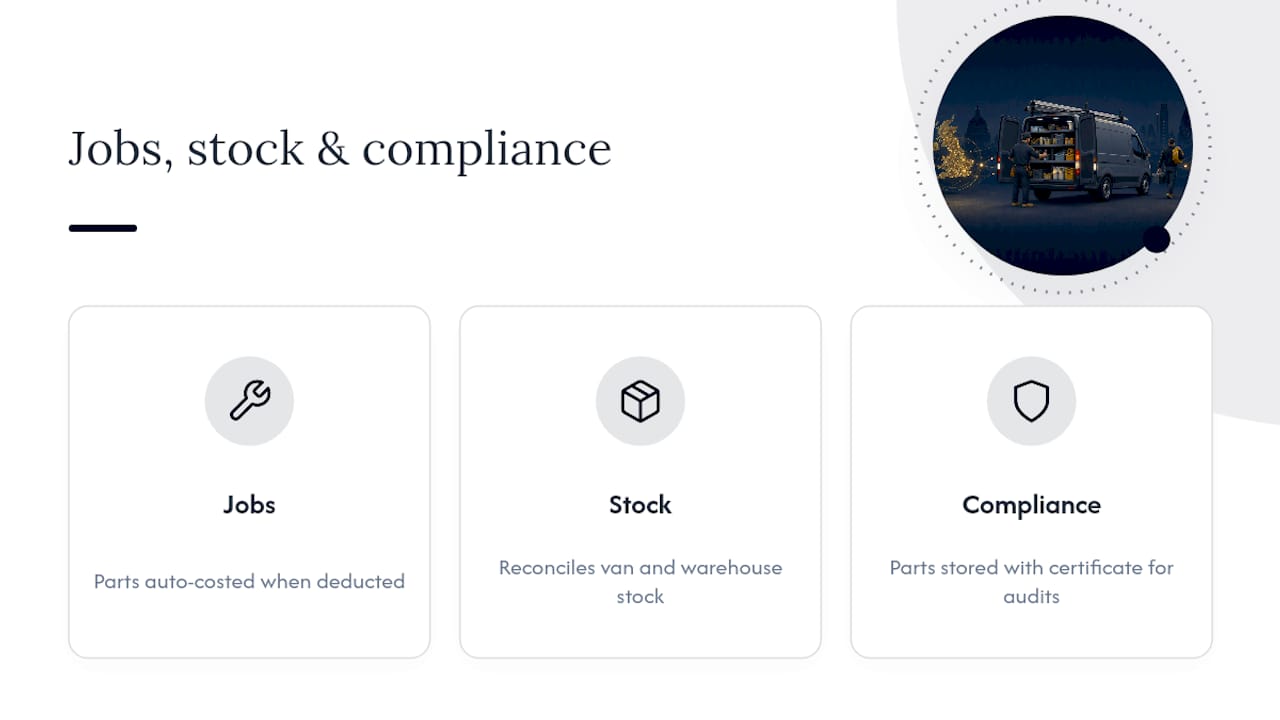
Some operational software platforms are built around the connection between jobs, stock, and compliance records, on the basis that operational software should work from one shared set of facts rather than three disconnected ones.
What goes wrong with van stock control, and how do you fix it?
Most rollouts don't fail because the software is bad. They fail because of a handful of predictable habits that creep in within the first month.
- SKU lists grow too fast. Every engineer wants their favourite obscure part added, and within weeks the list is unusable. Keep it lean and add slow movers only once demand proves itself.
- Nobody owns the morning check. Without a named person responsible for daily counts and weekly replenishment, the routine quietly dies.
- Offline mode gets tested too late. If you only discover the sync doesn't work in your worst-signal site after go-live, you've already lost trust in the system.
- Charge capture becomes optional. The moment logging a part against a job feels like an extra step engineers can skip, they'll skip it, and margin leakage creeps straight back in.
Fix these four and the system tends to run itself. Skip fixing them and you're back to spreadsheets within three months.
A UK field-service operator's take on stock discipline
Stock control isn't glamorous, which is exactly why most trades businesses under-invest in it. Curcle grew out of a real UK engineering and service business wrestling with these same problems, not a software team guessing at them from the outside. The habit that actually works is boring: check the van, log the part, reorder before you run out. Do that consistently and everything else in the business gets easier.
— Luke Herridge
How Curcle brings stock, jobs and compliance together
Curcle is the alternative to running stock on a spreadsheet and jobs on a separate system. It connects van stock, job scheduling, invoicing, and compliance records, such as Gas Safe, EICR, and LOLER paperwork, in one place, so a part logged on a van shows up automatically on the job it was used for.

If you want to see what that looks like for your own fleet, the savings calculator gives a quick sense of what tighter stock control could be worth in reclaimed hours and captured materials. From there, Curcle's pricing starts at £99 a month on the Starter plan, rising to £249 for Professional and £499 for Business, with Enterprise pricing available on request. Book a demo and bring your worst-signal site with you; it's the fastest way to see whether offline capture actually holds up.
Sources
- Stock Solutions | Electrical Wholesaler
- Van stock management solutions | Wolseley
- Van Stock Management & Inventory Tracker for Trades | VanLog
FAQ
What is van stock control?
Van stock control is the process of tracking parts and materials carried on a service vehicle, using stock locations, reorder thresholds, and scanning to keep the right items on board. It reduces emergency merchant runs and improves first-time fix rates, as Wolseley's replenishment approach demonstrates.
How much does van stock software cost?
Pricing varies by provider and fleet size. Curcle's plans start from £99 a month for Starter, £249 for Professional, and £499 for Business, with Enterprise pricing available on request via Curcle's pricing page.
How many SKUs should a van carry at launch?
A practical rollout for a small fleet usually starts with 20 to 40 core SKUs per van, with slower-moving items tracked but excluded from daily checklists until usage justifies adding them. This keeps the system manageable rather than overwhelming for engineers.
Does van stock control work in areas with poor mobile signal?
Yes, provided the software supports offline caching. Systems like VanLog's mobile-first approach queue updates locally and sync automatically once signal returns, which matters in basements, plant rooms, and rural sites.
How does van stock link to job invoicing?
When a part is scanned against a job, it's deducted from van stock and costed to that job automatically, giving real-time visibility into job-level profitability. Platforms built around this model, including Curcle, treat stock and invoicing as one connected record rather than two separate systems.